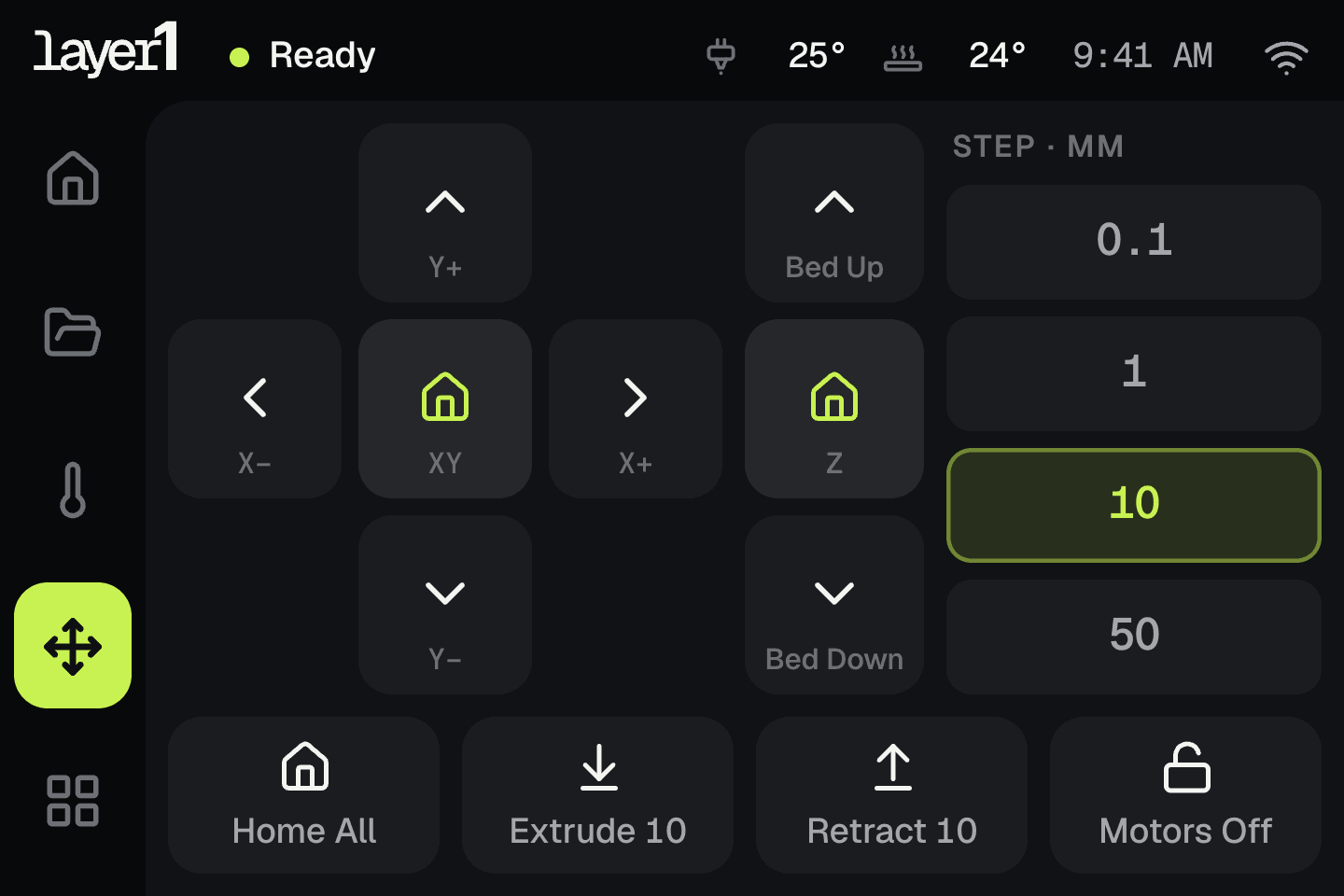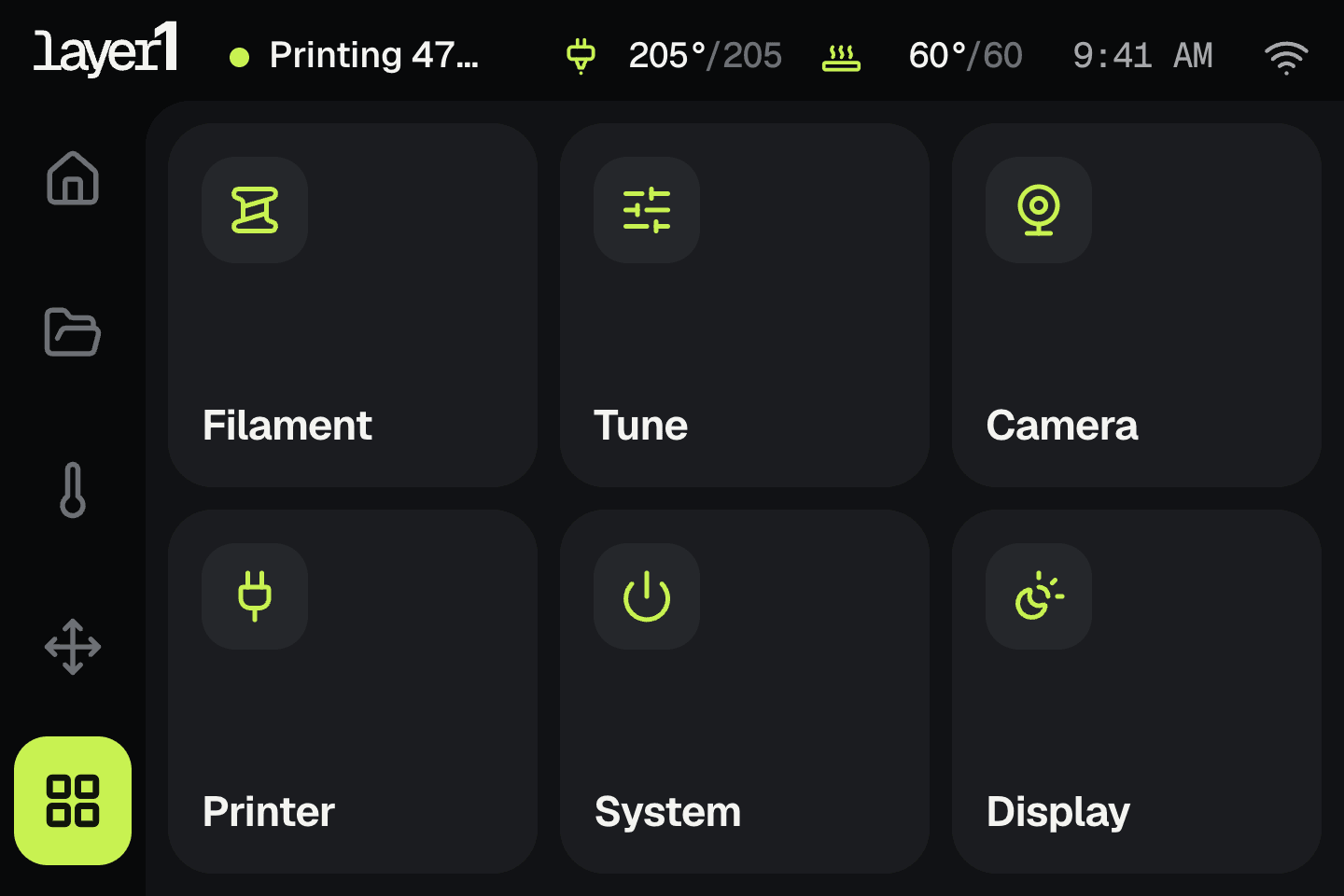
Made for the small Pi screen
3.5″480×320
Thumb-sized buttons
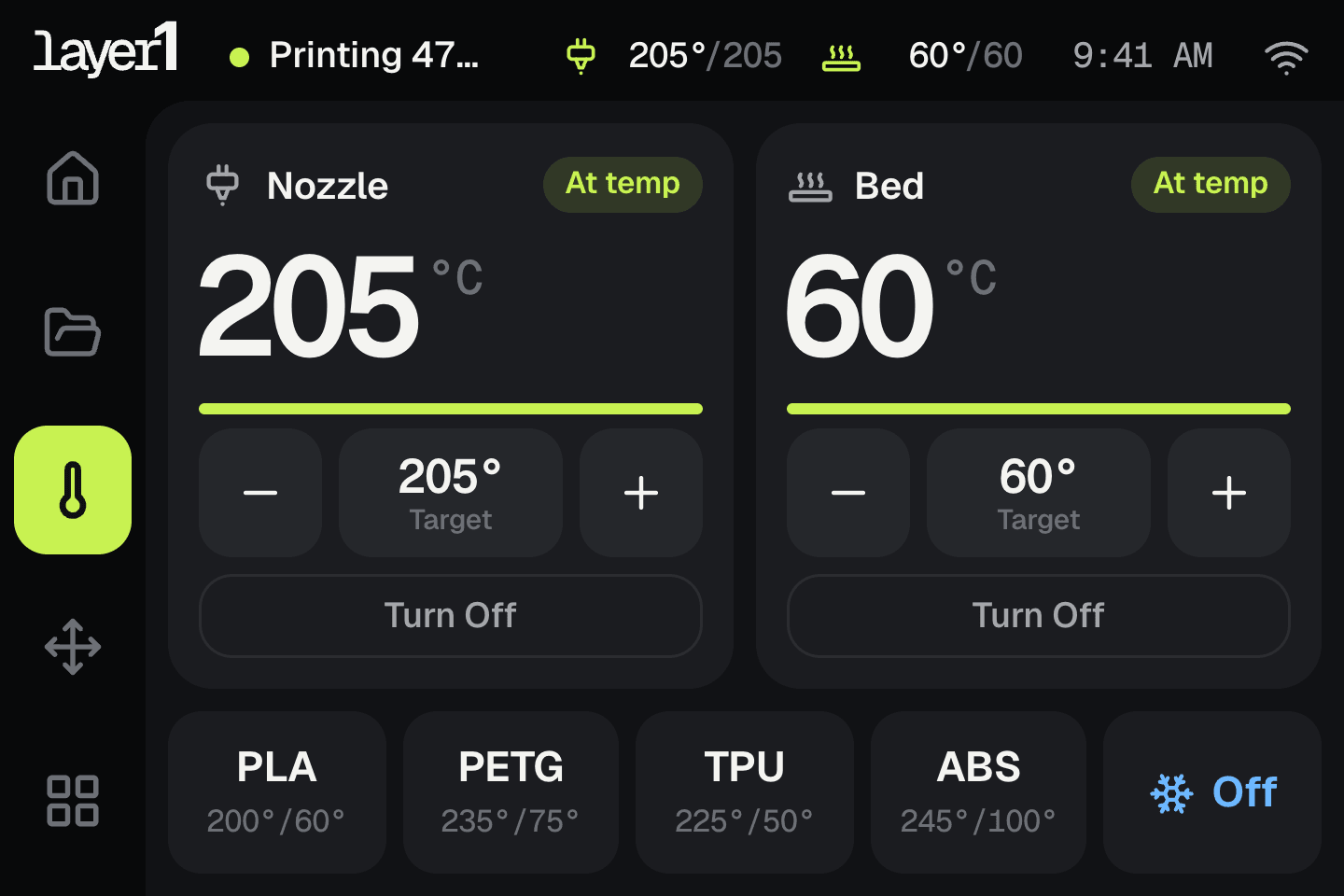
Made for the small Pi screen
3.5″480×320
Thumb-sized buttons
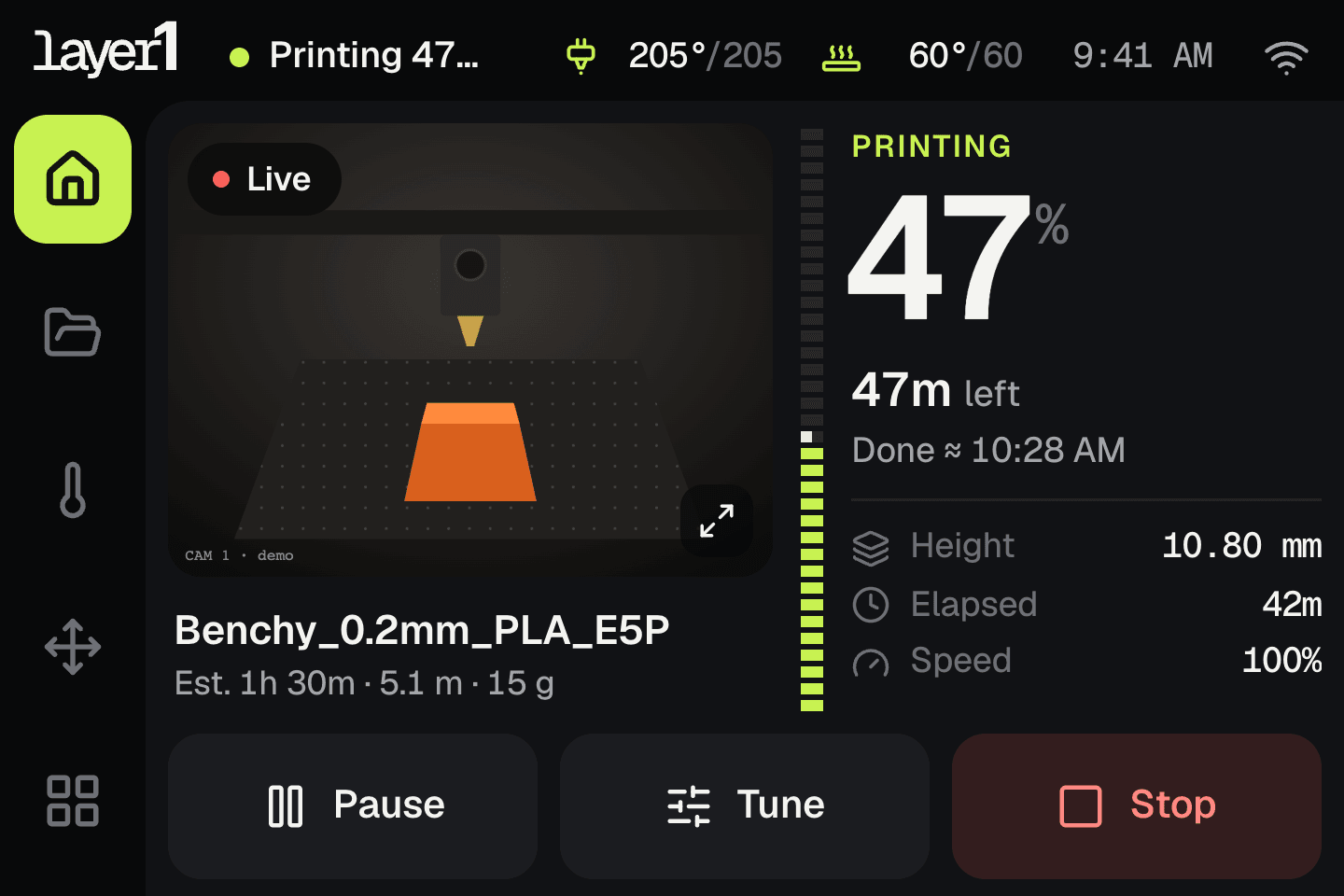
Runs through OctoPrint’s own safety checks
The demo runs in any browser on your computer.
?demo=printing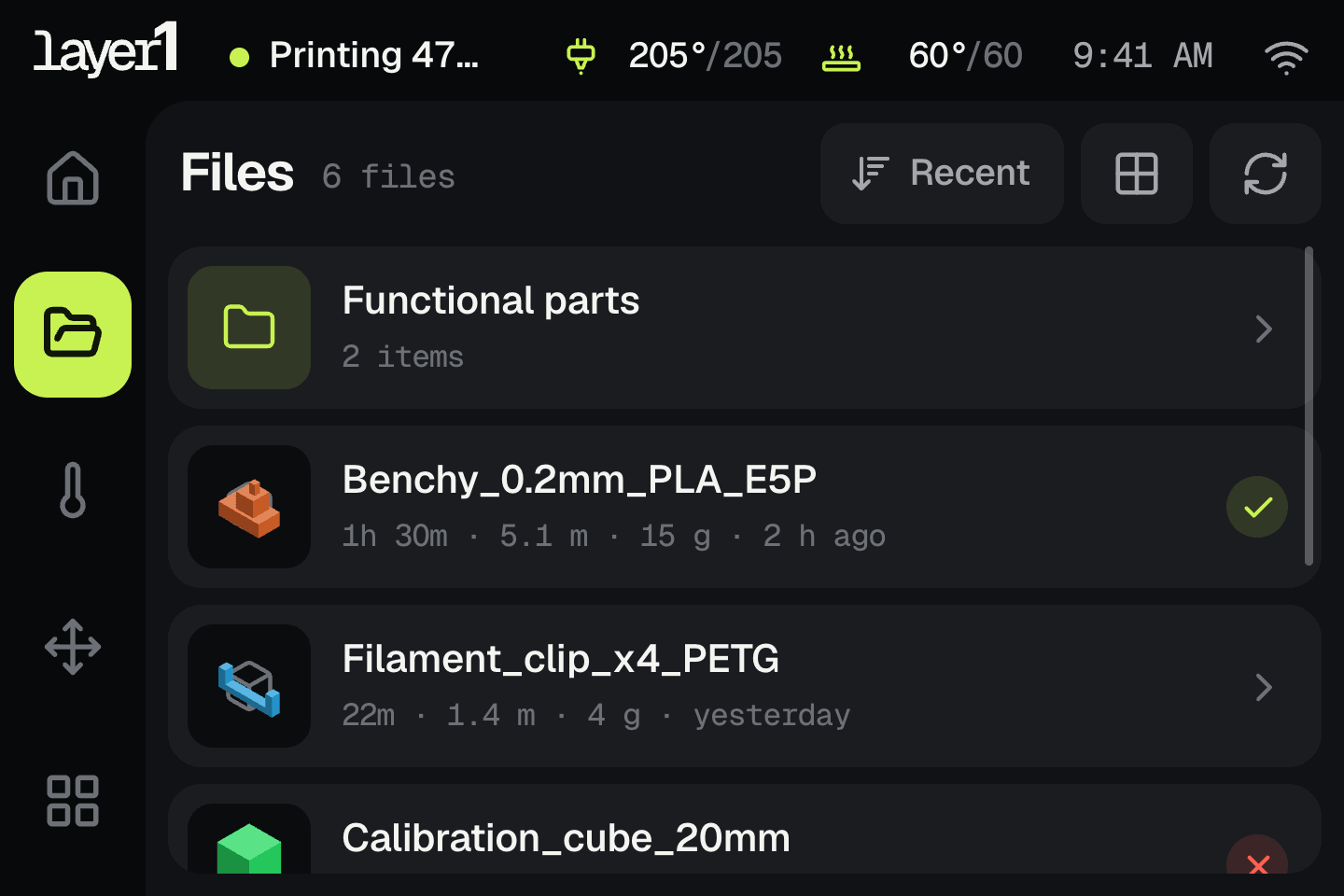
Five screens, each one tap from the rail, readable from across the room.
Clone the repo and serve the screen locally. It fakes a print in progress, so every button works. Then open localhost:8765/index.html?demo=printing and size the window to 480×320 for the real feel.
cd ender-5-pro/touch-ui/octoprint_layer1/static
python -m http.server 8765